



CirqifyGet the app

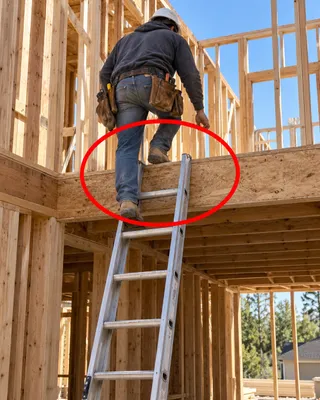
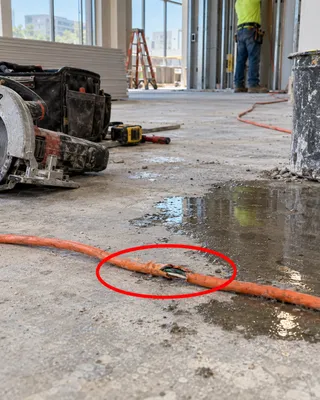
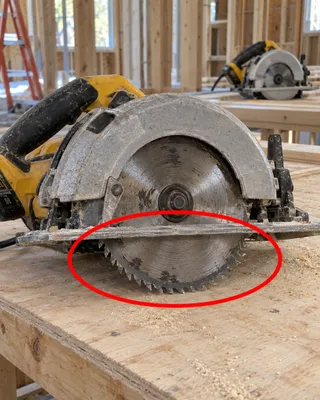
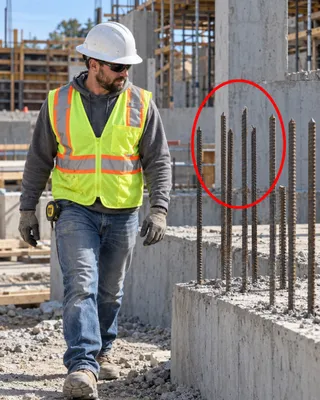
Circle the hazard.
We write it up.

Take a photo and circle what’s wrong. We write the corrective action notice for you, with the right OSHA and state rules and a clear fix, then keep track of it until it’s done. No forms. No typing.

Coming soon to theApp StoreSee how it works

iPhone, iPad and Mac Replying to a notice is free

A photo in a group text isn’t a safety record.

You sent it. Did they see it? When did they answer? Was it actually fixed, and when were you supposed to walk back and check? In text threads and inboxes, follow-up runs on memory. With us, every issue keeps its own timeline: sent, answered, fixed, checked.

The old way
With Cirqify

You circle. We write the rest.

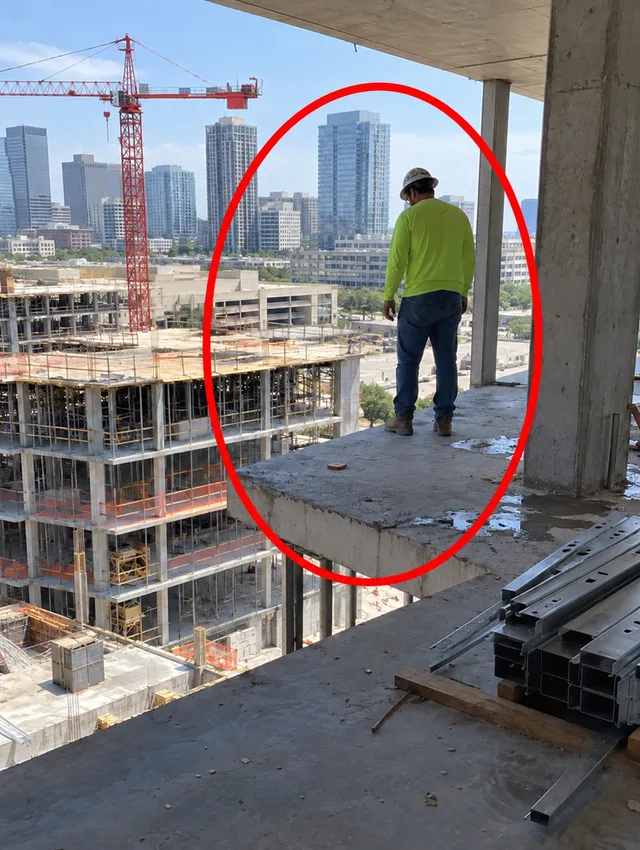
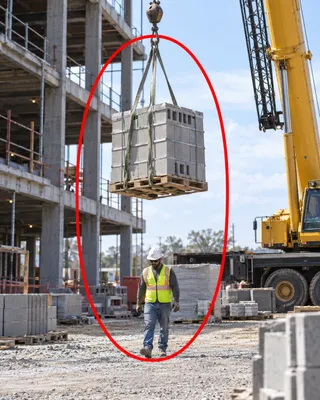
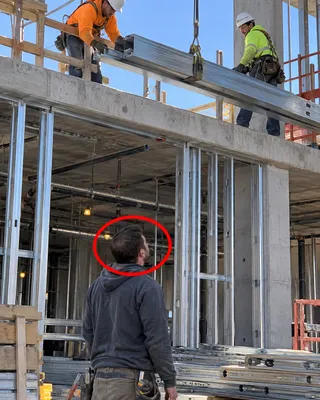
Drag a circle around the problem. That’s all the input we need to draft the whole corrective action notice: what’s wrong, how urgent, which rule, what to fix, and what to double-check in person. Try it on the photo.

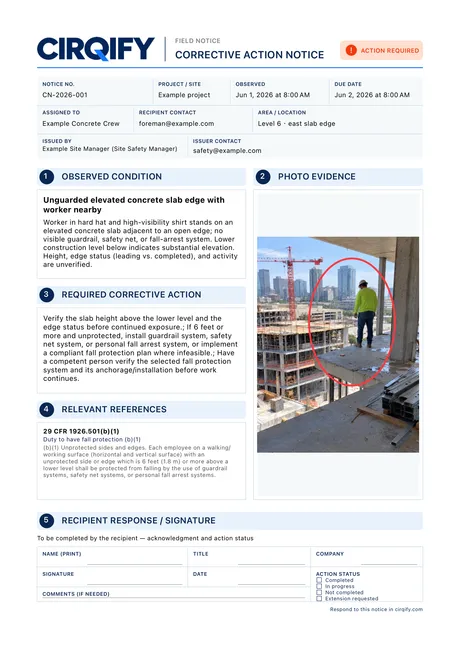
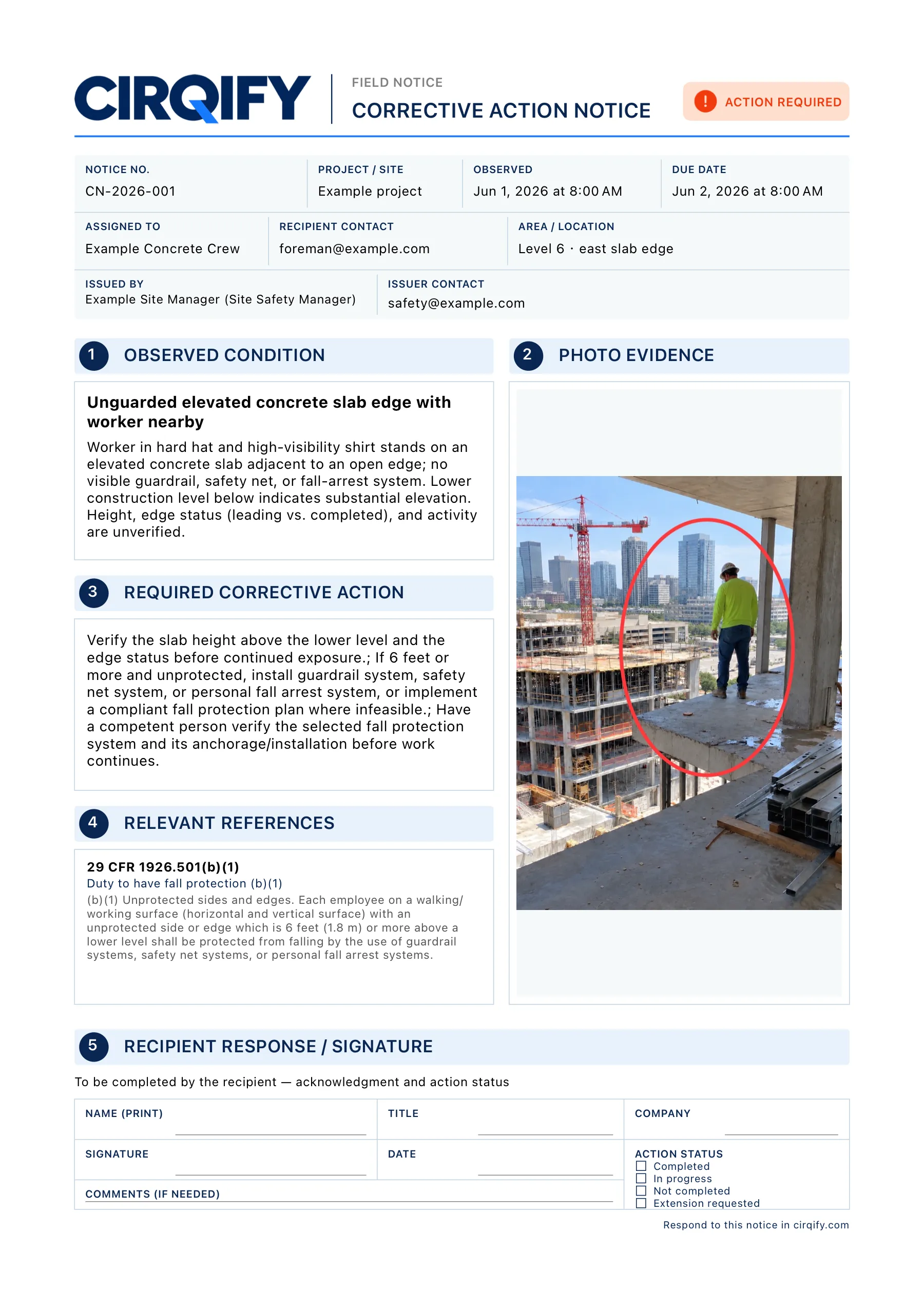
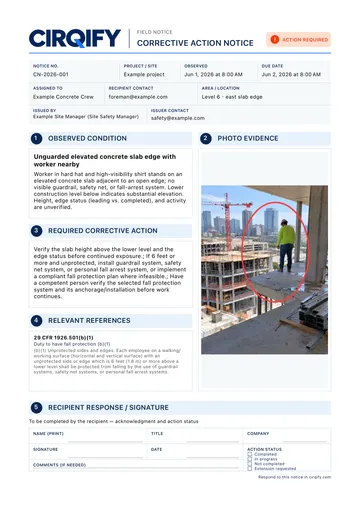
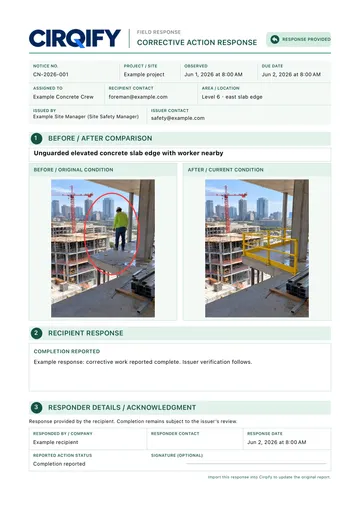
The Cirqify corrective action notice for this photo: observed condition, required corrective action, relevant references, photo evidence, and a recipient response section.

Your notice appears here

Writing your notice…

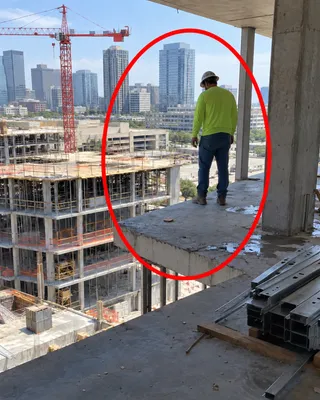
Nothing to flag there. Try circling the worker at the slab edge.

  • Observed conditionWhat’s inside your circle, in plain words.
  • Corrective actionWhat needs to change, specific enough to act on.
  • Relevant referencesThe exact rule, its official text and source.
  • Response sectionRoom for their reply and an after-photo.

Ready to send as a US Letter PDF. You review it first.

We know the rules by the letter.

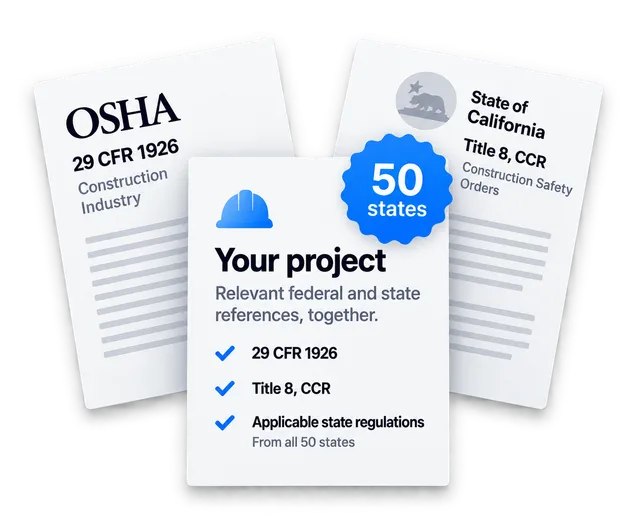
Every circle is checked against more than 25,000 federal OSHA provisions, including the 29 CFR 1926 construction standards, plus state-plan rules from California, Washington, Michigan, North Carolina, Nevada and more. Pick your project’s state and we bring in the rules that apply there, each with its official text and source.

How federal and state coverage works
Federal OSHA 29 CFR 1926 and California Title 8 references combined for one project.

Send it to anyone. They reply their way.

You can’t make every subcontractor install another app, so we don’t ask them to. Each notice is a fillable PDF that works with the tools they already have, and the reply finds its own way back to the right issue.

You send

ToFraming foreman

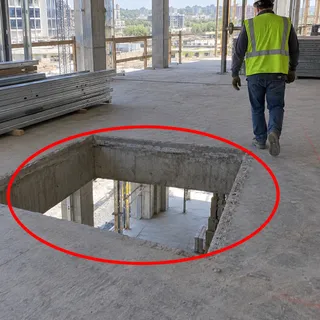
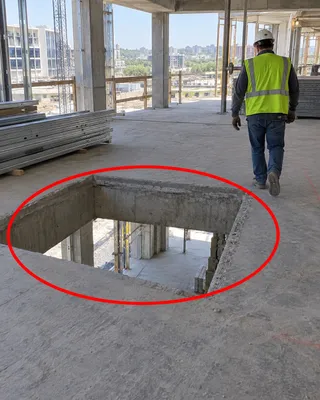
SubjectCorrective action: floor opening, due Oct 6

Notice-L3-east-core.pdf

We write the email or text and attach the PDF. You just hit Send.

  1. Adobe Acrobat Reader

    Fill in the reply and add after-photos right in the PDF.

    Reply + photos
  2. Preview on Mac

    Type the reply into the form. Photos come back by text or email.

    Reply, photos separately
  3. Cirqify

    Reply with notes and photos, and answer a whole batch at once.

    Free for anyone replying

You import

Their reply lands on the right issue.

Notes, status and after-photos file themselves, even when one PDF answers ten issues.

6 of 6 matched

Ten issues. One PDF. One reply.

A site walk rarely turns up just one thing. Pick every issue for the same sub and we bundle their notices into a single PDF. They answer everything in one pass. When replies come back, import the whole stack at once and every answer still lands on its own issue.

Every issue keeps its whole story.

The notice, the reply, the after-photos and your final check all collect on one timeline. You always know what went out, who answered, and what still needs a walk-back.

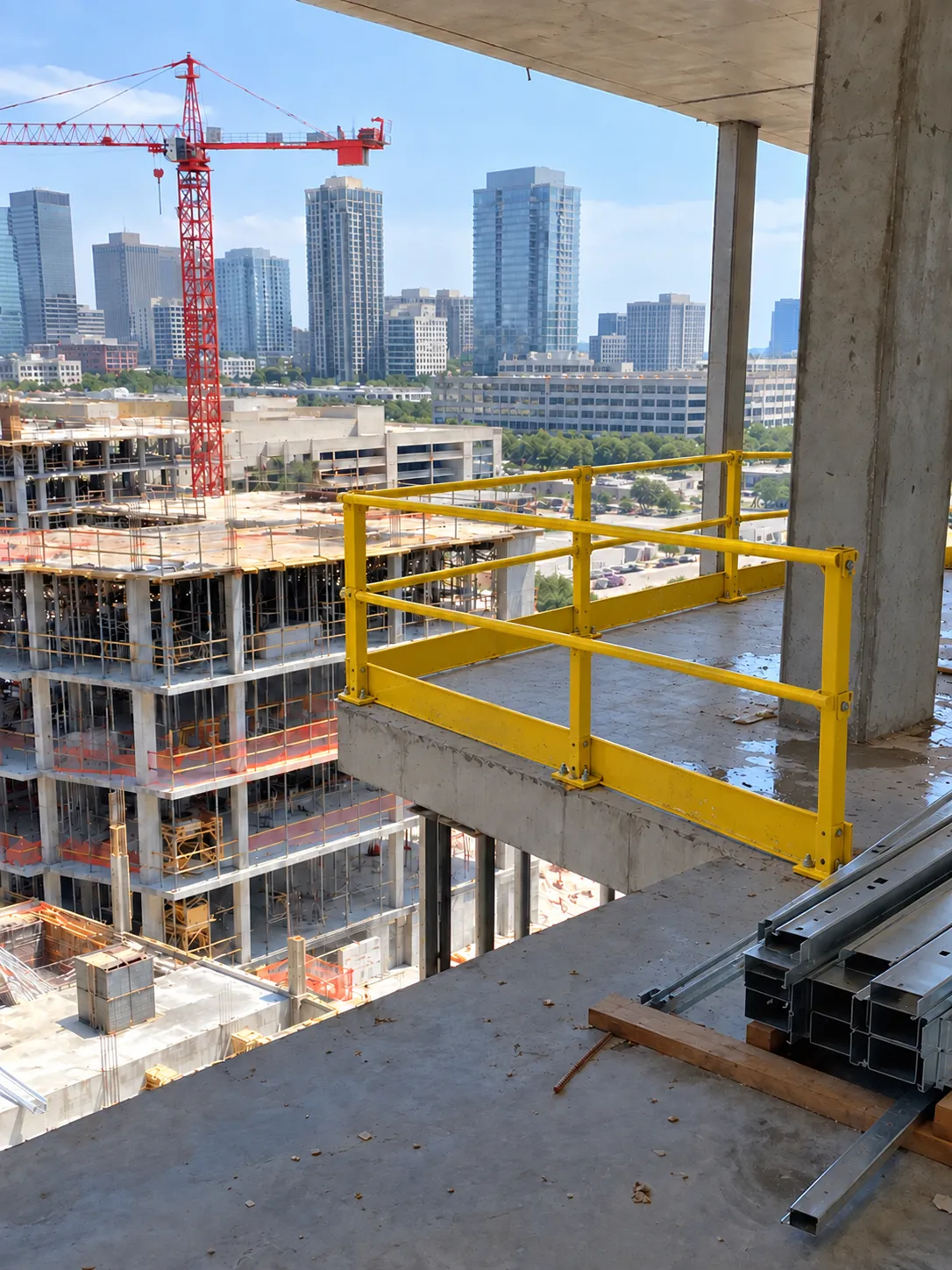
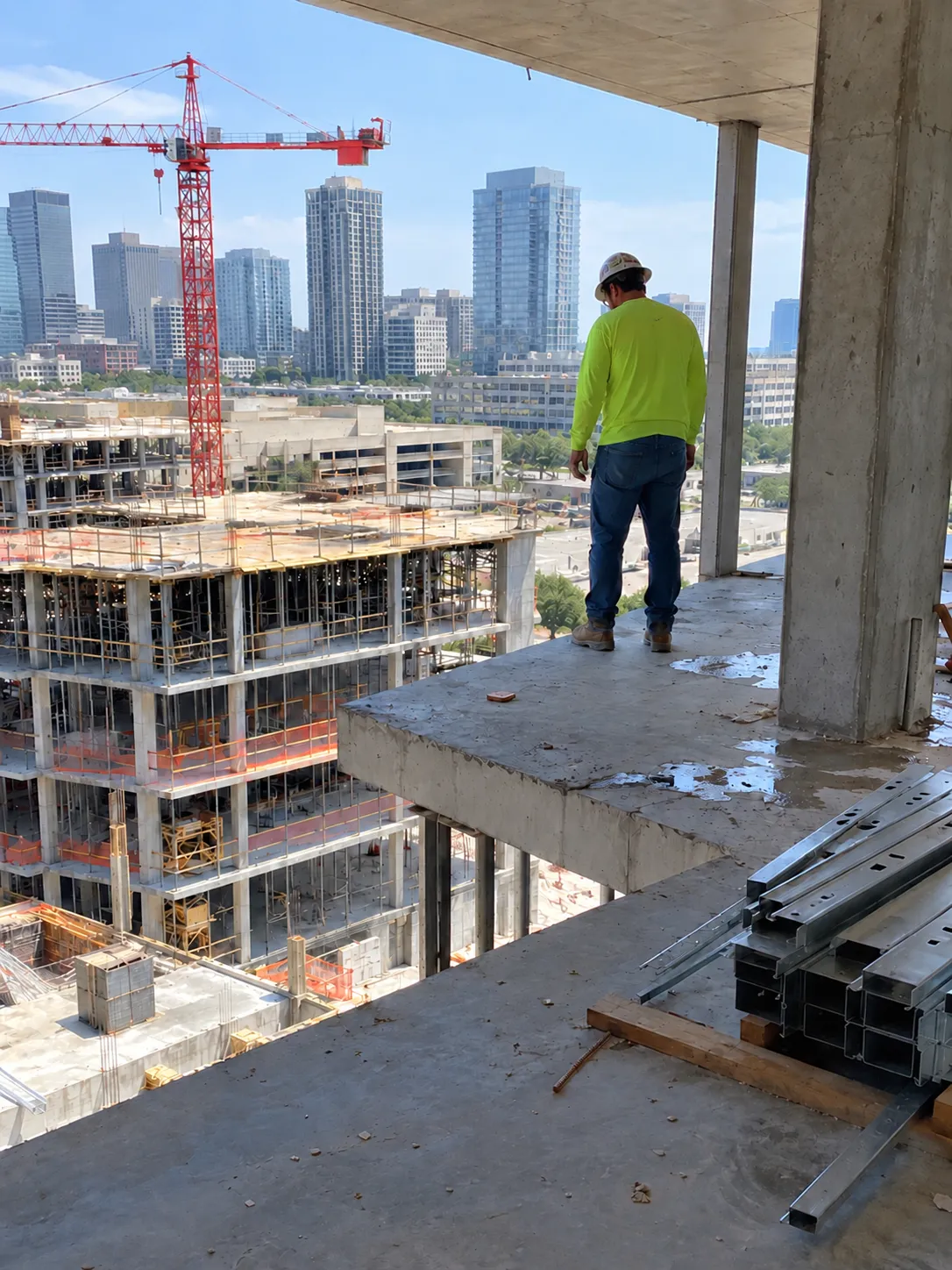
After: a yellow guardrail system installed along the slab edge.
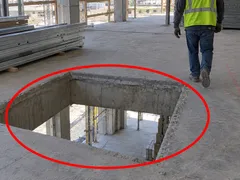
Before: a worker near an unguarded slab edge, circled in red.
BeforeAfter
Issue reportHigh priority

Unguarded elevated concrete slab edge

Level 6 · 29 CFR 1926.501(b)(1)

  1. Oct 1, 2026 at 8:12 AM

    Identified

    Your circled photo and the finding you confirmed.

  2. Oct 1, 2026 at 8:20 AM

    Shared

    Notice sent to the framing foreman. Response due Oct 3.

  3. Oct 2, 2026 at 4:45 PM

    Response received

    “Guardrail installed along the east edge.” One after-photo attached.

  4. Oct 3, 2026 at 7:30 AM

    Verified & resolved

    You checked it on site and closed it out.

Export a before-and-after closeout PDF for the project file.

Example issue. Dates and locations are illustrative. Drag the photo to compare.

See what keeps going wrong, project by project.

We roll every issue up into a safety review for each project: which hazards keep coming back, where they cluster, and which notices are still waiting on a fix. Walk into the next coordination meeting with the list already made.

Riverside Tower

Example project

Issues by category, last 30 days

  • Fall protection14
  • Scaffolds9
  • Electrical6
  • Housekeeping5
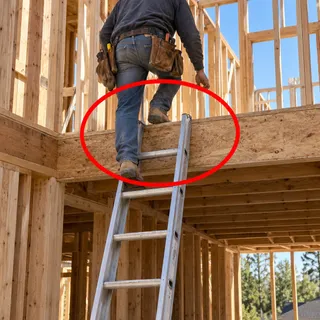
  • Ladders3

Still open

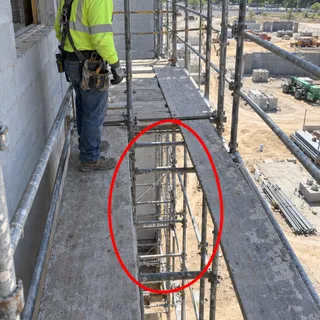
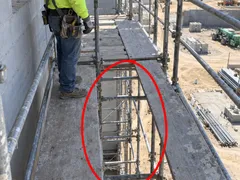
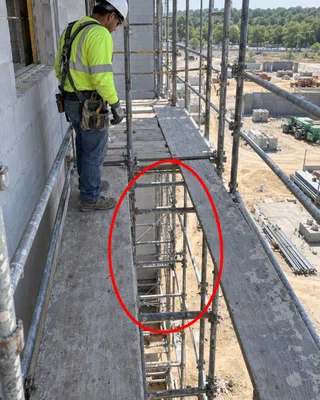
  • Missing toe boards on scaffold

    Level 5 · 9 days open

    No reply yet
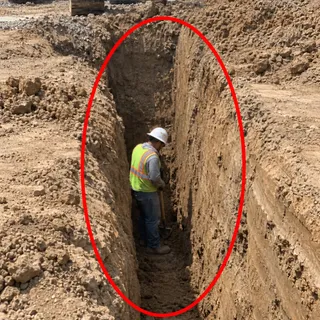
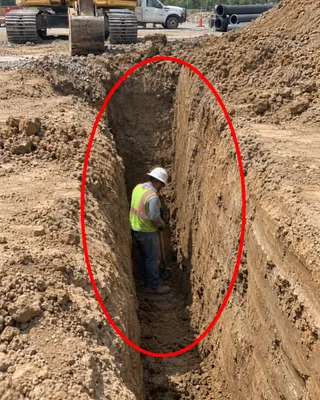
  • Spoil pile at trench edge

    Site utilities · 4 days open

    Reply received
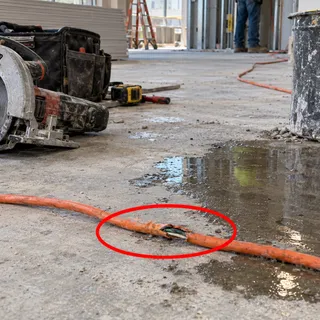
  • Cord across stair landing

    Stair 2 · 2 days open

    Shared

On site, on iPhone. Capture and circle while the context is fresh.

At the trailer, on iPad or Mac. Review findings and send notices in a batch.

When replies arrive. Import them on any device and work the open list.

A safety lead in a hard hat and high-visibility vest photographs a high-rise construction site with an iPhone.

Made by people who still walk sites.

We’ve spent years running US job sites and managing construction. We built Cirqify for our own site walks first, then sanded down every step until an issue could go from photo to verified fix without hitting a dead end. No clunky forms. No “you’ll need the desktop version.”

  • “I snap a photo and circle it in red. Cirqify handles the rest. It’s the easiest workflow I’ve ever used.”

    Cirqify user

  • “Logging hazards and sending out corrective notices has been incredibly smooth.”

    Cirqify user

  • “We got a corrective notice, downloaded the app, and importing it and sending our reply was really easy.”

    Subcontractor, Cirqify user

Simple pricing. Replying is free.

Pay for the issues you raise. The people answering your notices never pay a thing.

Weekly

$7.99 per week

  • 20 issues every week
  • Notices, batch PDFs, reply import and project reviews
  • Weekly allowance resets every 7 days.

Yearly

Save 64%

$149.99 per year

  • 30 issues every week
  • Notices, batch PDFs, reply import and project reviews
  • Save 64% over weekly, with 50% more issues.

Replying

Free always

  • Open a notice PDF in Cirqify
  • Add notes and after-photos
  • Answer a whole batch at once

Need more in a busy week? Subscribers can add 30 issues for $14.99; extra issues never expire. Prices in USD. Subscriptions renew automatically until canceled in your App Store settings.

Questions, answered.

What is Cirqify?

Cirqify is an iPhone, iPad and Mac app for construction safety managers and site supervisors. You take a photo and circle the hazard. We identify the issue, cite the OSHA and state standards it may fall under, write a corrective action notice PDF, and track the response until you verify the fix on site.

Do I have to type a description of the hazard?

No. Drawing a circle around the concern is the only required input. We write the observed condition, priority, relevant standards, corrective action and on-site checks for you to review and edit before anything is sent.

How does Cirqify decide which OSHA standard applies?

We compare what is visible inside your circle with an index of the official regulation text, including the 29 CFR 1926 construction standards and state-plan rules for supported states. Each suggested reference shows the exact provision, its official text and a link to the source, along with the conditions you need to confirm on site, such as fall height or soil type.

Is a Cirqify finding an OSHA citation?

No. We suggest standards that may apply so you can act quickly. A photo cannot show every fact, so you confirm conditions in person and decide what to send. Cirqify notices are internal corrective action records, not OSHA citations, penalties or legal determinations.

Does the person receiving a notice need to install Cirqify?

No. The notice is a fillable PDF. Recipients can reply in Adobe Acrobat Reader, including after-photos; in Preview on a Mac, sending photos separately; or in the Cirqify app, where replying is free and a whole batch of issues can be answered at once. You import the reply PDF and it updates the right issue automatically.

Can I send several issues to the same subcontractor at once?

Yes. Select multiple issues and Cirqify combines their notices into one PDF for that recipient. Their reply can cover every issue, and you can import many reply PDFs in one batch. Each response is filed under its own issue.

Which states does Cirqify cover?

Federal OSHA construction standards apply on private-sector job sites in every state, and we index their full text. We also index state-plan rules from states such as California, Washington, Michigan, North Carolina and Nevada, and add more continually. Set your project’s state and we include the references that apply there.

How much does Cirqify cost?

Cirqify is a subscription: $7.99 per week for 20 issues a week, or $149.99 per year for 30 issues a week. Subscribers can add 30 extra issues for $14.99; extra issues never expire. Replying to a notice you received is free.

What happens to my photos?

A photo you submit is sent to our analysis service only to produce your findings, and it is deleted from our servers once the analysis finishes. Your issues and evidence live on your device and sync through your own private iCloud account. See our privacy policy for details.

When can I download Cirqify?

Cirqify is launching on the App Store soon. We’ll link straight to the download here as soon as it’s live.

Your next site walk, handled.

Photo, circle, notice, reply, verified. All in one place, all on your phone.

Coming soon to theApp Store